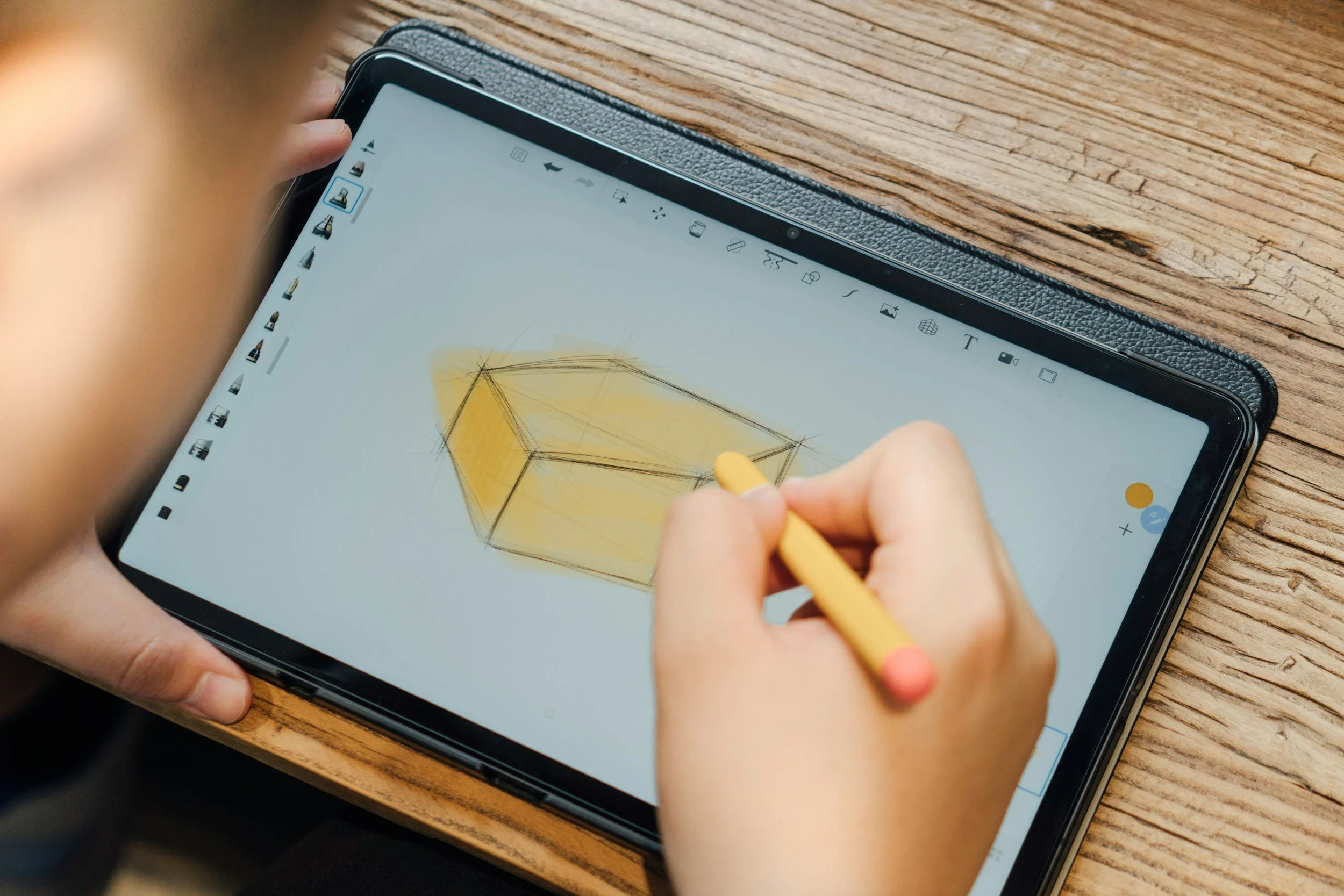
Welcome to digital coloring! It’s a fun, relaxing way to unwind and express your creativity. Let your mind wander, let go of stress, and enjoy some peaceful time for yourself.
If you’re new to digital coloring, it’s all about bringing designs to life using a tablet and stylus, like an iPad with Apple Pencil, an Android device with a pen, or a computer and drawing tablet. No stylus? No problem. You can use your finger on a touchscreen or a mouse on your computer. No matter what you use, you’ll have virtual brushes and endless colors to explore. There’s no mess and no extra supplies—just pure creativity.
This blog post contains affiliate links. If you make a purchase through these links, we may earn a small commission at no additional cost to you.
Ready to give it a try? Here’s how to get started:
1. Download a free coloring page (you can find them through the list of links I provided below).
2. Open your coloring app, such as Procreate or Adobe Fresco, and import the coloring page. Most apps have an 'Import' or 'Add' button in the gallery or main menu. Tap it and choose your downloaded coloring page from your files. If you have trouble, make sure the file is in a supported format like JPG, PNG, or PDF. If you’re still stuck, check the app’s help section or FAQ for more help.
3. Select a brush or coloring tool you like.
4. Pick any color from the palette that catches your eye.
5. Tap or brush to fill in just one section of the page.
Take your time and enjoy each step. Try making your coloring time a mindful ritual by focusing on the present and letting go of distractions. As you color, notice your breathing and relax your shoulders to help your mind settle.
Find Your First Coloring Pages
One great thing about digital coloring is the huge variety of free resources. Many websites offer downloadable coloring pages for adults, from mandalas to nature scenes. Here are some good places to start:
Crayola – A classic favorite, Crayola’s site is full of printable coloring pages, with everything from fun patterns to detailed designs. It’s great for both kids and adults.
Hallmark– Find seasonal and themed coloring pages, perfect for celebrating holidays or special occasions.
HP.com – Features a rotating selection of printable coloring pages and creative resources for all ages, including both adults and kids. You’ll find designs ranging from intricate patterns for grown-ups to simpler images for children.
Johanna Basford– Well-known artist Johanna Basford shares free samples of her signature, detailed coloring pages. If you enjoy nature-inspired or whimsical designs, you might recognize her work from bestsellers like “Secret Garden,” “World of Flowers,” and “Magical Jungle.”
Just Color– This site has one of the largest collections of adult coloring pages online, including mandalas, nature scenes, and themed libraries for every mood.
Coloring Pages for Adults by Faber-Castell– This trusted brand offers a curated set of high-quality, printable coloring pages, ready for digital or print use.
Pinterest– You’ll find a huge variety of user-created content here. Search for “free coloring pages printables” to discover endless options shared by other digital colorists.
With all these creative options, you’re ready to check out the tools that make digital coloring even more fun.
Essential Tools for Digital Coloring
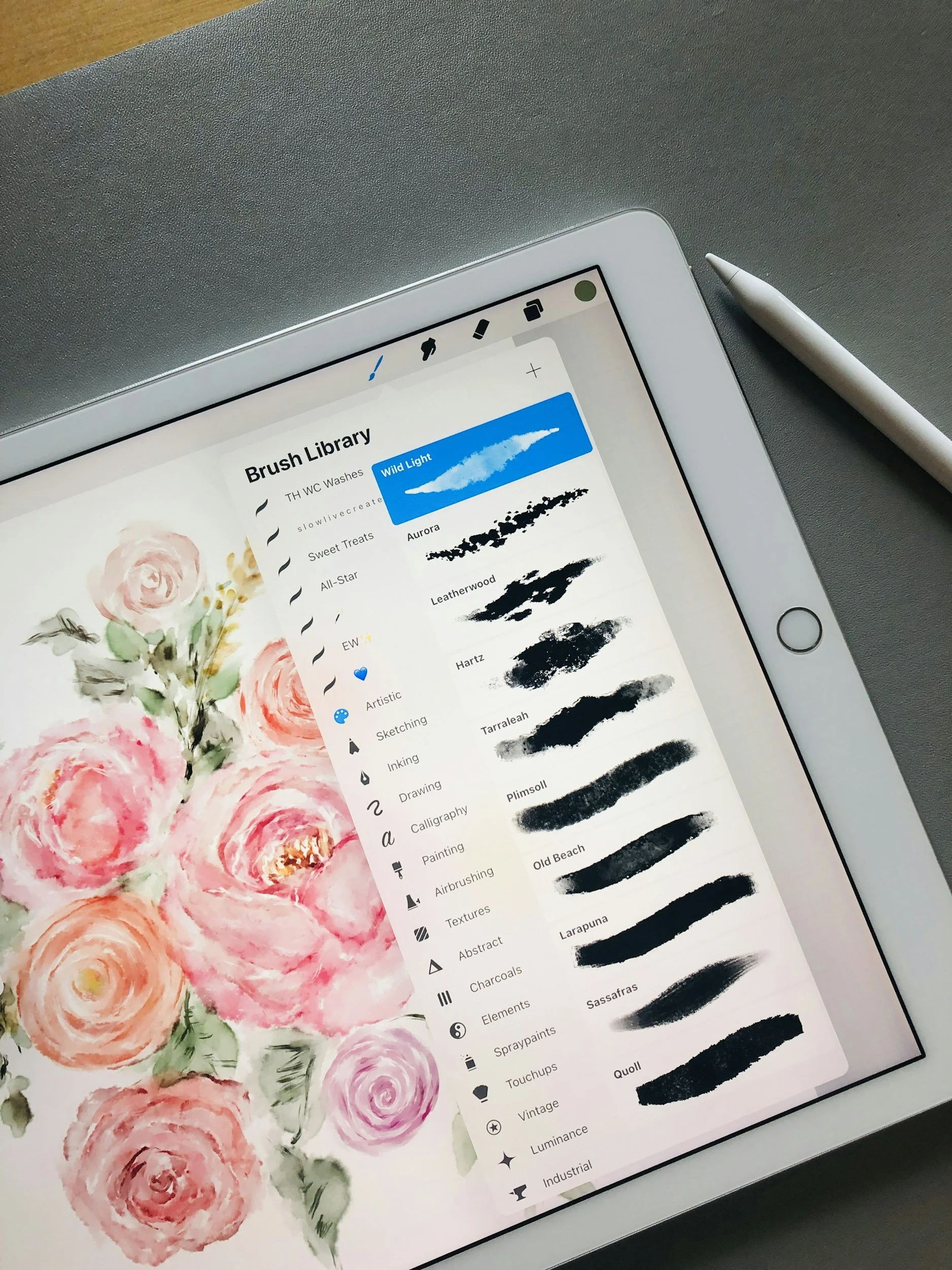
You only need a few basics to get started: a tablet (like an iPad, Android device, or touchscreen laptop), a stylus, and a coloring app. For the best experience, try making your coloring time a mindful ritual. Focus on the present, let go of distractions, and relax. As you color, pay attention to your breathing and relax your shoulders to help your mind settle into the creative process.
Not sure which app to start with?
Consider your device, budget, and the features you want. If you have an iPad, Procreate is a popular pick. Android users might like Sketchbook or MediBang Paint. Both Sketchbook and MediBang Paint are free and easy to use. If you want more advanced features and are okay with paying, Procreate (for iPad) and Adobe Fresco (for iPad and Windows) offer lots of brushes and support for layers. Most apps have beginner-friendly tutorials, so pick one that works for your device and give it a try.
Here are some top coloring apps to explore:
• Procreate – Robust and versatile, ideal for both beginners and pros (one-time purchase required).
• Sketchbook – Features a simple, intuitive interface and easy-to-use tools, making it perfect for quick coloring or a relaxing, beginner-friendly experience.
• MediBang Paint – Lightweight and easy to use, with a wide range of brushes and tools. It runs smoothly even on older devices and is completely free, making it accessible for everyone.
• Adobe Fresco – Offers realistic brush effects and a user-friendly interface. There’s a free basic version, with extra features available for purchase.
Here are the main tools I use when I color digitally:
iPad: A user-friendly device that allows for precise coloring on the go.
Apple Pencil: This stylus gives you fine control and quick response, so it feels like coloring with a regular pencil.
Procreate App: My favorite app for digital coloring. Procreate has lots of features, like customizable brushes, layers, and color palettes.
Paperlike: This screen protector gives your tablet a texture that feels like paper, making drawing and coloring feel more natural and comfortable.
Layers & Color Palettes: Your Secret Weapons
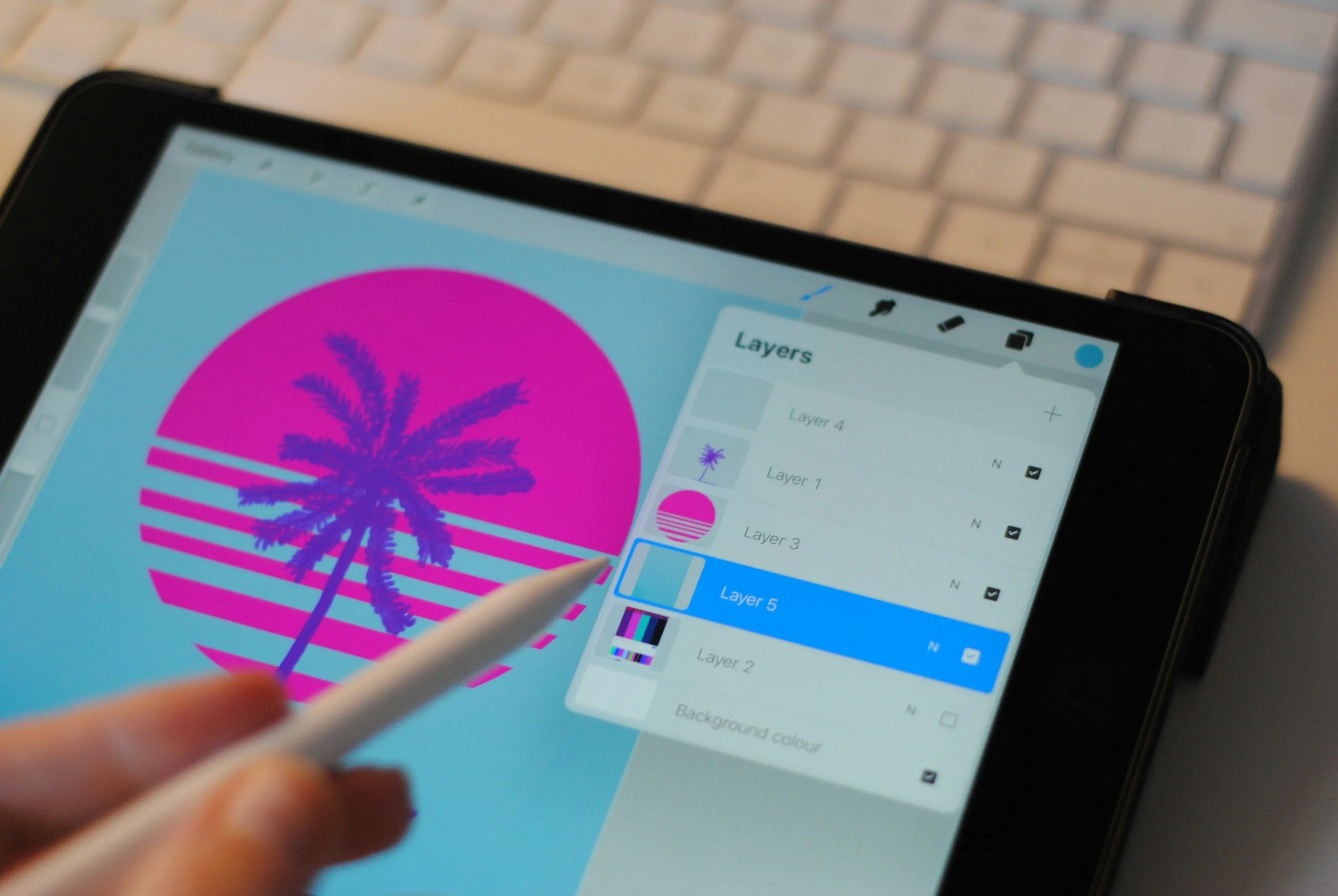
One of the best things about digital coloring is using layers. In Procreate, I create separate layers for each part of my page. I use one for the background and others for things like flowers or leaves. If I want to change a color later, I adjust the right layer without changing the rest.
Here’s a quick step-by-step for coloring with layers:
1. Import your coloring page into Procreate (or the apps you chose to use for digital coloring).
2. Create a new layer above your artwork for the background. Set the layer mode to “Multiply” so the original outlines remain visible. Pick a soft color and fill in the background using a large brush for smooth coverage.
3. Create separate layers above the background for different objects you want to color, such as flowers or leaves. Select each object and color on its corresponding layer.
4. Use the eraser tool to clean up any stray marks or adjust the layer’s opacity to create softer color effects.
5. You can adjust colors on any layer without changing the rest of your artwork. Rearrange layers as needed until your piece looks just right.
This way, you can experiment as much as you like and keep your coloring neat.
Video Guide: Coloring with Layers
To make learning easier, watch this step-by-step YouTube tutorial on using layers. Seeing the process in action can help things make sense, especially if you learn best by watching.
Using the Color Palettes
Saving your favorite colors in a palette helps keep your artwork consistent and fun. If you’re not sure where to start, pick two or three shades that look good together. Soft blues and greens can create a calm mood. Most coloring apps also have ready-made palettes you can use right away. As you get more confident, try adding accent colors or making your own palette with colors you like.
Need Help with Your Coloring App?
If you’re new to digital coloring apps, don’t worry. There are lots of helpful tutorials online. Popular apps like Procreate, Sketchbook, MediBang Paint, and Adobe Fresco have official guides and beginner videos on their websites or YouTube. Search for '[App Name] tutorial for beginners' on YouTube or check the app’s help section for step-by-step instructions. You’ll also find active communities and forums where other artists share tips and answer questions.
Why Digital Coloring is so Relaxing
Digital coloring is a great way to relax. Before you start, try a simple ritual to set the mood. Make a warm cup of tea (or coffee), light a candle, or tidy up your coloring space. These small steps can help you unwind. Once you’re settled, color slowly and focus on each stroke and the colors you choose. Soft blues, greens, and pastels can help create a calm mood. You can also play soothing music if you like.
Tip: Charge your tablet and stylus before you begin. It’s easy to forget!
If you run into glitches or tech problems, don’t worry. It happens to everyone, even experienced artists. Try restarting the app, check that your stylus is connected and charged, and make sure your device software is up to date. If it still doesn’t work, a quick online search or checking the app’s help section can usually solve the problem. If you feel frustrated, it’s okay to take a break. Give yourself time and come back when you’re ready. Every mistake is part of learning. Be kind to yourself and enjoy the process as you build your skills.
Ready to Color?
Digital coloring is a great way to express your creativity and find some peace in a busy life. After you’ve tried a few pages and tools, grab your tablet, download a coloring page, and let your imagination flow! When you finish a piece, most apps let you save your artwork to your device or cloud storage. You can also share your finished coloring pages by sending them to friends, posting them on social media, or printing them out. Sharing your creations is a fun way to stay inspired and connect with other digital colorists. Share your experiences, questions, or finished pages in the comments below, or tag me on social media!
About the Blogger
Hi, I’m Kelly Mercer, the creator of Coastal Hygge. I enjoy bringing creativity and relaxation into everyday life. My goal is to help adults find joy in digital coloring, and you don’t need any experience to start. Let’s add more color and calm to our days together!
Related Posts



Board games bring comfort, connection, and a touch of magic—whether you’re enjoying a quiet solo night or sharing laughter with friends. In this post, I’ll share my favorite cozy games and simple tips to make every game night special.